Installation Guide
Implication is a modpack for Minecraft 1.19.2, based on the Quilt loader. Installation is quite simple, only requiring you to install a recent version of Java, the modpack launcher (Prism), and to import the modpack to Prism. The modpack will update itself, so you should only have to do this once.
Note
Some of the screenshots in this guide might be out of date! Let me know if you're confused.
Recommended system requirements
- 6-8 GB of installed RAM
- A reasonably fast internet connection (~10Mbps is probably adequate)
- Approximately 920MB of disk space (~180MB for Java, ~300MB for the modpack and ~440MB for Minecraft and the launcher)
Install Java
Minecraft 1.19.2 modpacks require a recent version of 64bit Java 17. If you are sure you already have a recent version of Java 17, for example if you have used a Minecraft modpack recently, you can skip this step. Newer versions, including Java 19, may also work!
Note
The official Minecraft launcher has its own version of Java, so you may not necessarily have Java installed properly if you have played Minecraft before. The version you have may also be out of date, this guide ensures you have the latest version.
The installer for Java from Oracle (java.com) is not the correct version, and can cause issues (it requires you to get an Oracle Account to download installers), so we will be using the installers from the Adoptium project.
- Go to https://adoptium.net/
- Press the big blue download button, labelled Latest LTS release, ensuring it is
jdk-17for the OS you are using - Run the installer that is downloaded
-
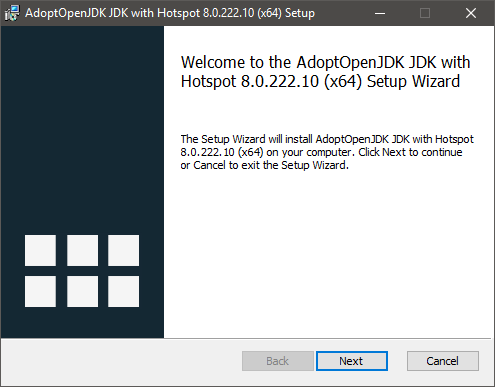
Proceed through the installation wizard, accepting license terms where prompted
-
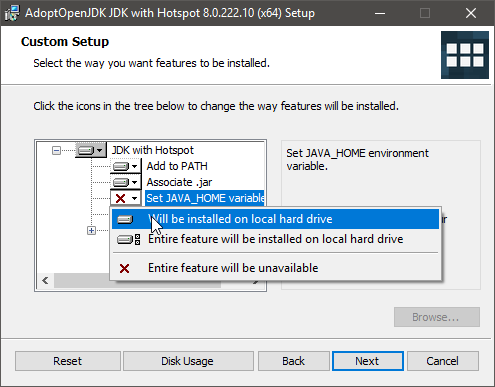
On the Custom Setup page, ensure Set JAVA_HOME variable is set to Will be installed on local hard drive
-
Complete the installation as prompted
Install Prism
Prism is a free launcher for Minecraft that provides much more flexibility towards installing mods than the official Minecraft launcher. It is fully open source, and trusted by thousands of users. It supports unmodded instances as well, so you can use it instead of the official Minecraft launcher.
- Go to https://prismlauncher.org/download/
- Press the installer download button for 64-bit Windows
- Run the installer you downloaded, then open Prism from the start menu
-
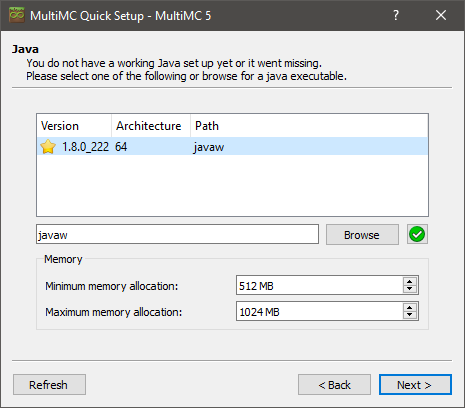
Proceed through the Quick Setup dialog. If the Java screen looks like the following (but with 17 instead of 8), you have installed Java correctly:
-
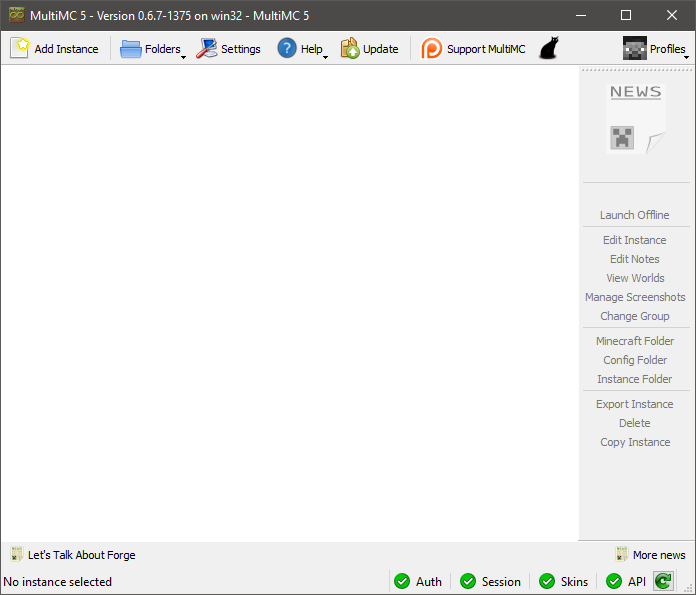
Prism is now set up correctly, and the following screen should appear:
-
You can now proceed to Import the modpack
Minecraft account setup
This screen will appear when you first launch a Minecraft instance in Prism, so that you can set up a Minecraft account. If this screen does not appear, you can open it by clicking Profiles in the top right, then Manage Accounts.
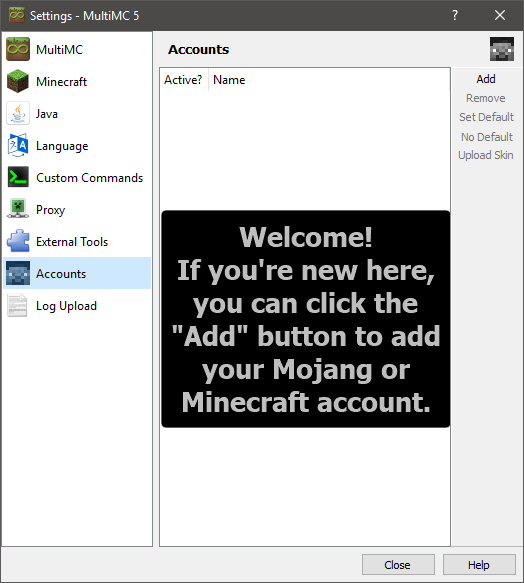
In order to add your Minecraft account, press the Add button in the top right of this screen, and type your Minecraft account details.
You can then close this screen, and launch your modpack.
Import the modpack
- Open Prism, if you haven't already
- Press Add Instance at the top left of the Prism window
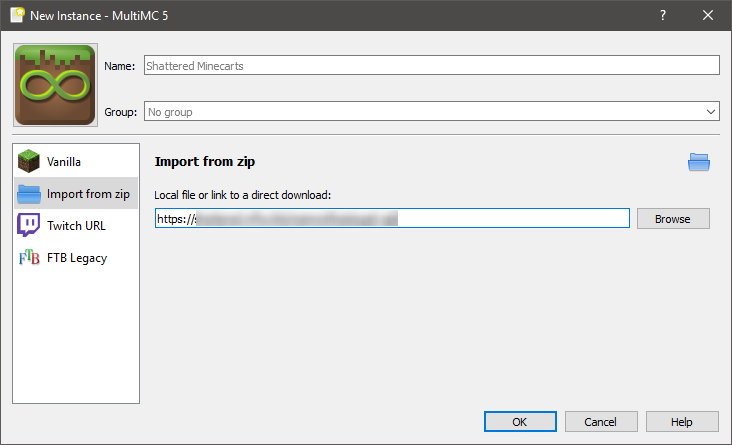
- In the dialog that comes up, press Import from zip on the left
-
Paste the Modpack URL given to you in the textbox:
-
Click OK
-
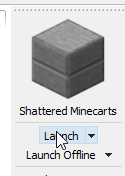
At the right of the screen, press Launch
-
If this is your first time launching a Minecraft modpack, see Minecraft account setup to set up your Minecraft account
- The modpack will now automatically install and launch
Tip
If the modpack fails to install or crashes, the Minecraft Log window appears. You can also open this window while the game is running by pressing Edit Instance. Pressing the Upload button will upload the log, and copy a link to this uploaded log. You can send this to mod and modpack developers to assist in fixing issues with the modpack.